 New viewer energy
Follow
New viewer energy
Follow
Alerts, mods, Discord, OBS
Get your stream ready without the setup chaos.
Tink Bot brings alerts, moderation, Discord announcements, and OBS-ready overlays into one clean creator workspace.
3 steps to OBS
Alerts ready
Mod tools built in
Stream workspace
Alerts, chat, platforms, and overlays are synced.
New follow
NeonPixel joined the stream
Review queue clear

Alert showcase
Every big moment gets its own pulse.
New viewer energy
Follow
 Community milestone
Sub
Community milestone
Sub
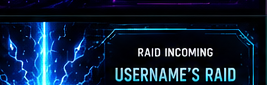 Room takeover
Raid
Room takeover
Raid
 Support moment
Tip
Support moment
Tip
Alert pack showcase
Choose Your Alert Style
10 built-in alert packs with matching visuals, sounds, and variations.
Follow
Neon sparkle hit
NeonNova
just followed!
Choose a pack to preview
Selected: Tink Neon
Vibe: Signature pink and cyan glow with upbeat creator energy.
Mood: Energetic / neon
Includes: Follow, Sub, Raid, Tip, Generic.
Sound: clean neon sparkle hit
All packs at a glance
Full style sheet preview
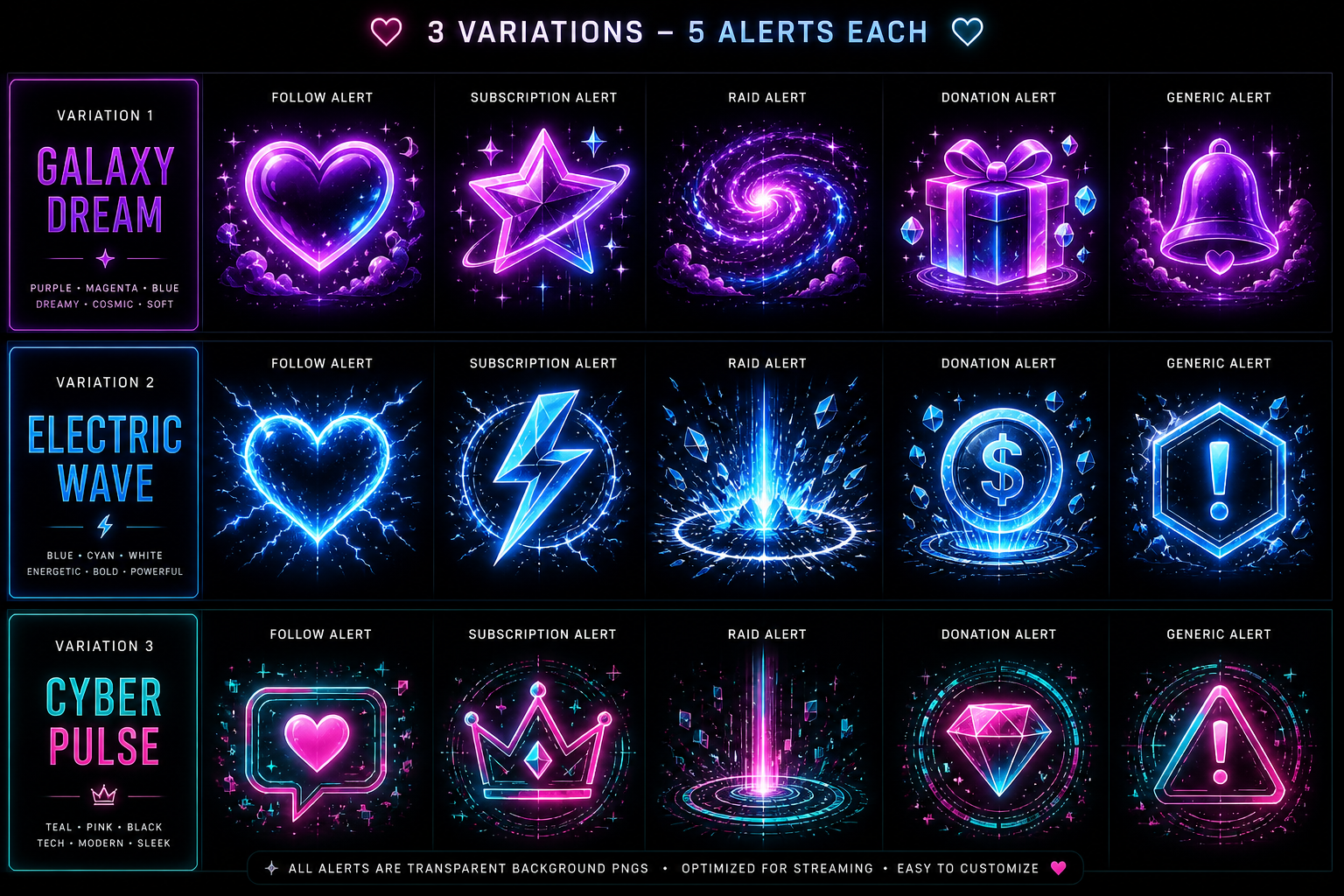
Secondary visual
10 pack overview
✓ Sounds Included
✓ Multiple Variations
✓ OBS Ready
✓ 10 Style Packs
Why Tink Bot
The essentials for a cleaner stream setup.
OBS simplicity
Copy. Add. Done.
Platform support
Built for multi-platform creators.
TTwitch
YYouTube
KKick
RRumble
FFacebook
DDiscord
OOBS
App purpose
What Tink Bot does
Tink Bot is a streamer control tool that helps creators manage alerts, chat, moderation, Discord announcements, and OBS browser-source overlays for their own connected streaming accounts.
Streamers sign in, connect the platforms they use, copy their OBS overlay link, and test alerts before going live. Moderators can use a focused console when the streamer shares access.
Tink Bot uses connected account data only to provide the stream tools the creator chooses to enable. Read the Privacy Policy for details.
Moderation workflow
Give mods the control they need without cluttering your flow.
Ready when you are
Get stream-ready in minutes.
Copy your OBS link, test your alert, and go live with confidence.
Helping a streamer? Open mod console